

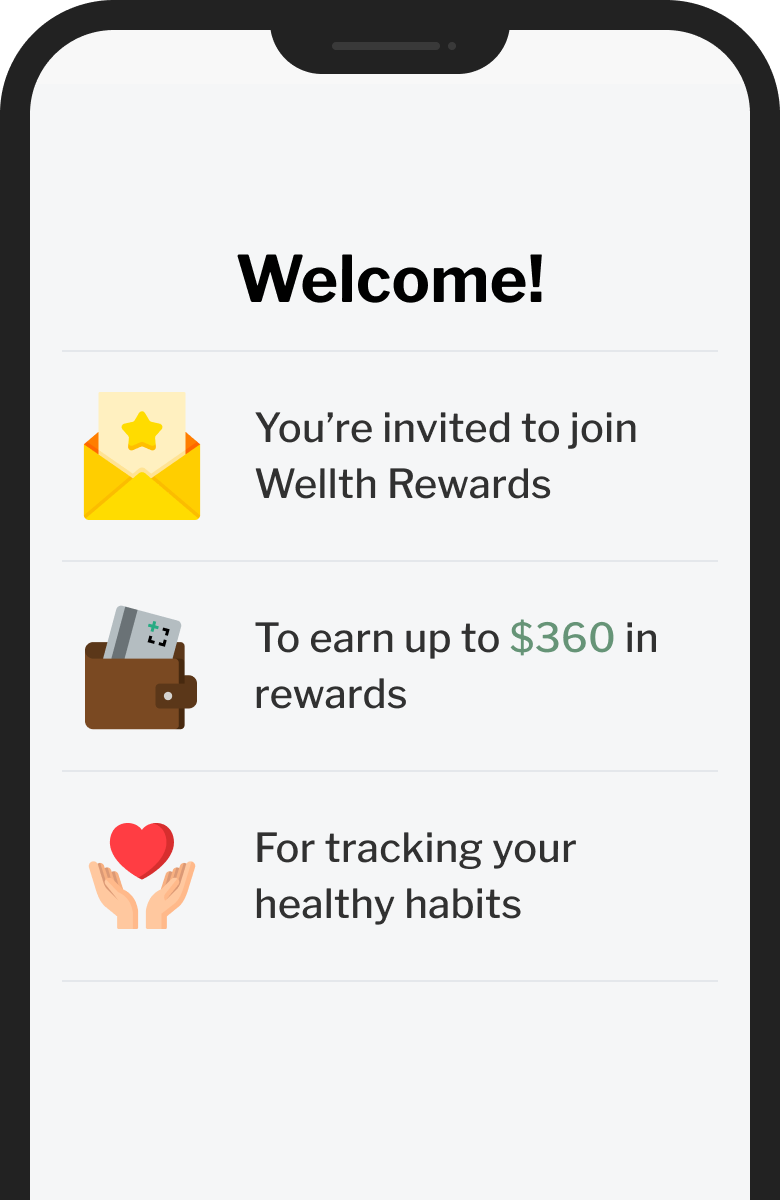





To begin your Wellth Rewards program, download the Wellth Rewards app on your smartphone. Then, check in on the app every day to ensure you are staying on top of your health. Your rewards will be sent to you via a reloadable Wellth Rewards Card, which will be sent to you in the first few weeks of your program.
To get started, simply download the Wellth Rewards mobile application by clicking on the “download now” button on this page, or search for Wellth Rewards directly in the App Store or Google Play and select the green app with the plus sign icon.
To keep your rewards, simply check in a photo of your health tasks every day to keep your earned rewards. Every day that you miss a check-in, you will lose rewards.
Checking in on the Wellth Rewards app is very simple. All you need to do is take a picture of your medication or health task on your smartphone. The app should open directly to a camera to take the picture, then press the ‘submit’ button to complete your check-in.
If you would like to change your morning or evening reminder time, please call or text Wellth Support at (844) 334-7360 and we can assist you so you succeed on your program.
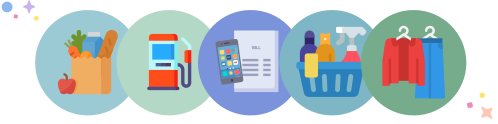
Your Wellth Rewards Card will be shipped to you when you begin your program, and will arrive a few weeks into your program with your earned rewards already loaded. You can use your card for groceries, household items, utilities, gas and more.
If you need assistance on your program, we are happy to help. Simply call the Wellth Support Team at (844) 334-7360 so we can help.

